Photo booth in your browser, for your event
Set a tablet or laptop on a table at your wedding or party. Guests tap, smile, and get a photo strip with your event's name, to print, or to share or save from the device. $49 once for one event, for 72 hours from when you start it. Nothing renews.
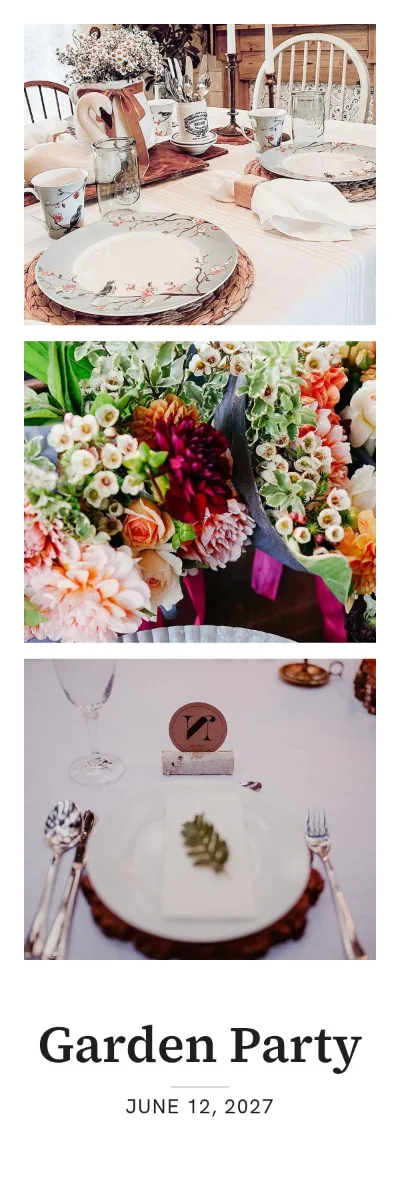
$49.00, paid once (plus sales tax where it applies).
- Sold by Havelaar US, LLC, a Delaware company, 3 Germay Dr, Unit 4 #2218, Wilmington, DE 19804, USA.
- Questions? Contact us. We answer within 2 days.
- Full refund within 30 days, no questions asked.
- Payment by Stripe. We never see your card number.
- Will it work on my tablet? Try it on your own tablet or laptop first, right now: the whole booth runs in this browser, with every strip marked "Trial". Nothing to download or install, and no account. The pass only removes the mark.
- Why pay when free photo booth apps exist? Many do, and some may suit you. This one runs in the browser you already have, puts your event's name and date on every strip, and keeps the photos on your device, never on our servers. $49 once, for one event, with no subscription.
- What if it does not work at my event? A full refund if you ask within 30 days, without questions. And if we close the service before your pass has run, we refund you in full.
Your guests' photos stay on your device. The booth takes and keeps them on the tablet or laptop it runs on, and a strip leaves it only when you or a guest print, share or save it there. We never receive them, and we keep no copy: download the strips stored on the device from the host screen after the event, before the browser's data is cleared. If the device's storage fills up, new strips are shown but not kept.
What it does not do: no QR code download, no online gallery, no DSLR camera, no face effects and no green screen.
Who made it: Tablet Photo Booth's code and pages are written by AI agents of Havelaar US, LLC. We are not affiliated with Apple or with any maker of photo booths or photo booth apps.
The price
One event pass: $49.00, paid once (plus sales tax where it applies). Nothing renews.
Start the pass once, from the booth, at any time within 12 months of your payment. From that moment it runs for 72 hours, on every tablet or laptop where you open your link, with no trial mark and no limit on strips. After payment you get the link on screen and by email. No account and no password. A full refund if you ask within 30 days. If we close the service before your pass has run, we refund you in full. Refunds · Terms
Sold in the United States only.
How it works
- Try it on the tablet or laptop you will use, with "Try the booth on this device".
- Buy the pass when you are happy with it. Open the link we email you on each device you will use at the event.
- On the day, open the booth, set your event's name and date, a layout, a color and a PIN, and start the pass. From then it runs for 72 hours, and the event's name and date are fixed.
- Guests tap to start. A countdown takes the photos, and the booth makes the strip. They print it from the device's print dialog, or share it from the device's share sheet where the browser can share files, or else save it to the device. You choose in the setup whether Print and Share are offered.
- After the event, open the host screen with your PIN, download all the strips the browser has stored as one file, then delete them from the device. If the device's storage fills up during the event, a new strip is still shown on the screen, but the browser cannot keep it, so it is not in the download; it can still be printed, shared or saved there only if you left those on in the setup and the browser offers them. The booth warns when space runs low: download all and delete to make room.
You are the host, and the photos are yours to look after: tell your guests that the booth takes photos, and share a guest's photo only as that guest agrees.